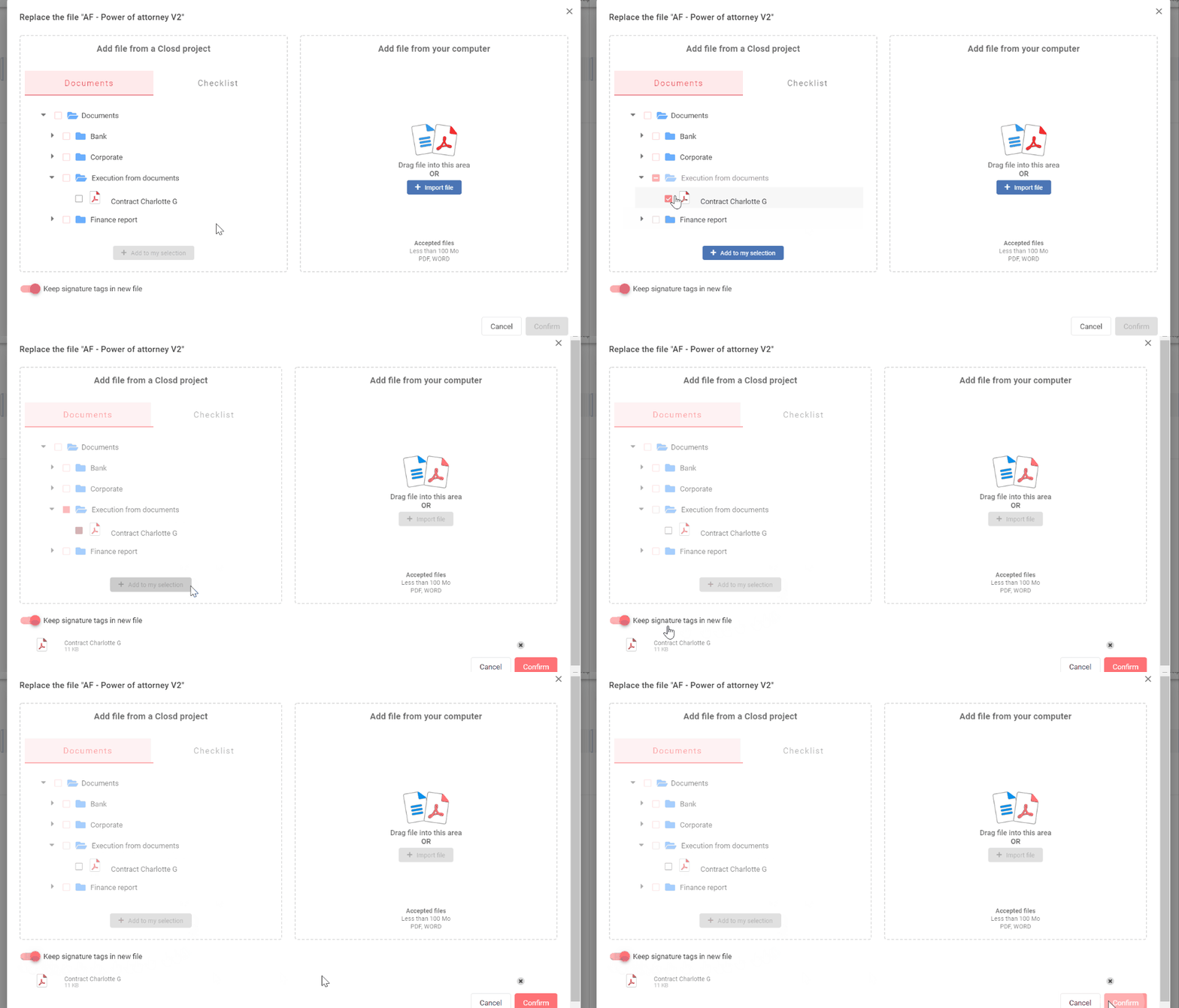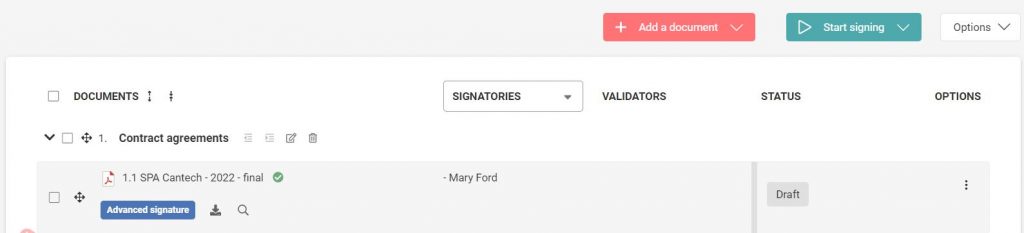
Follow the steps below to replace your document :
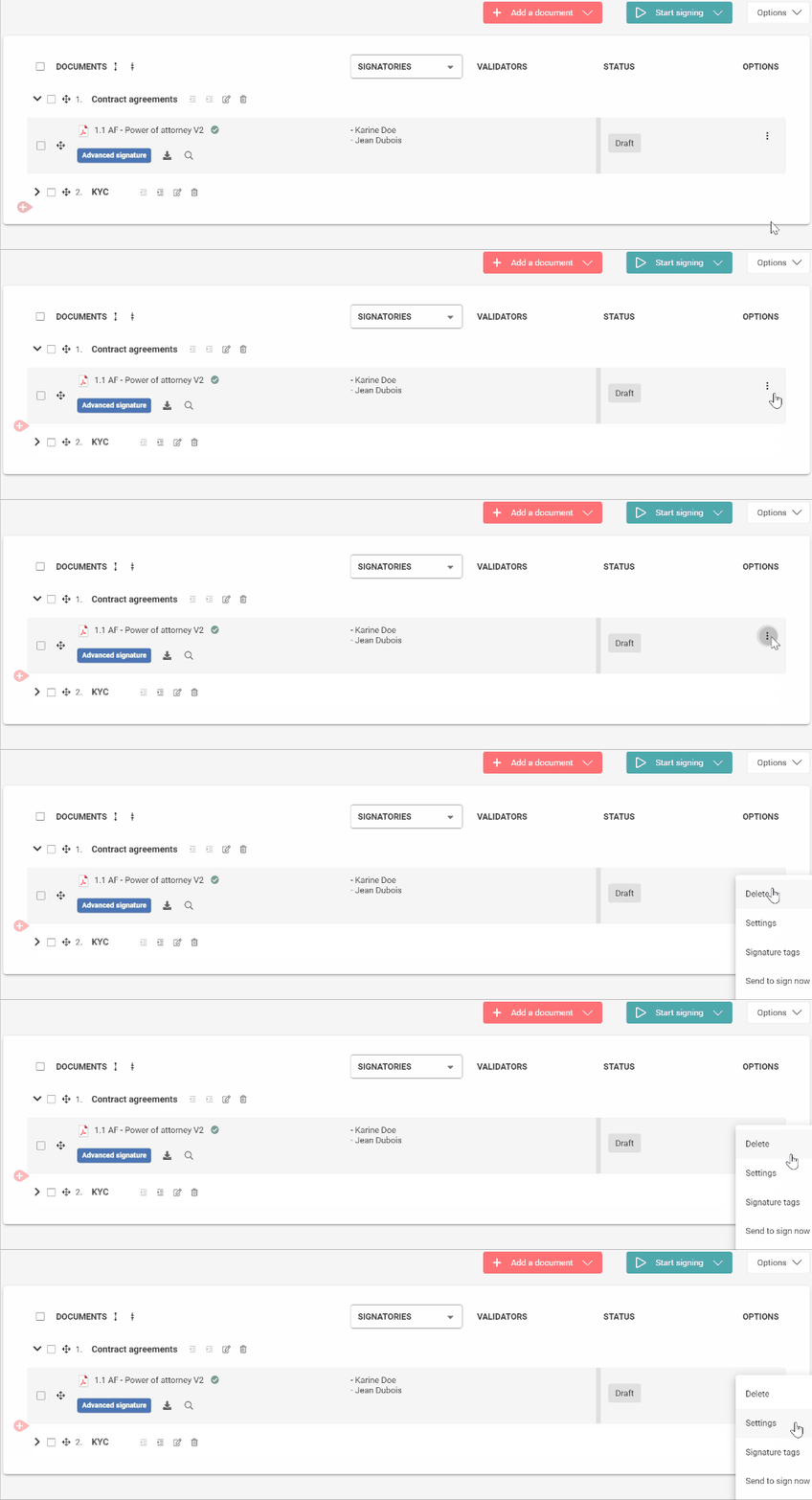
- Click on the Options menu, then on Settings
2. Click on Previous at the bottom left
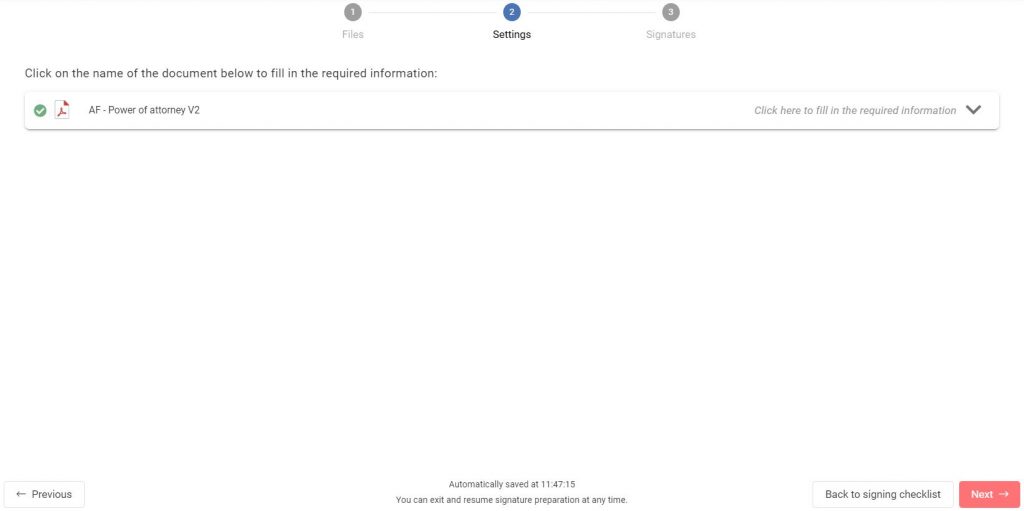
3. Click on Replace (the two arrows)
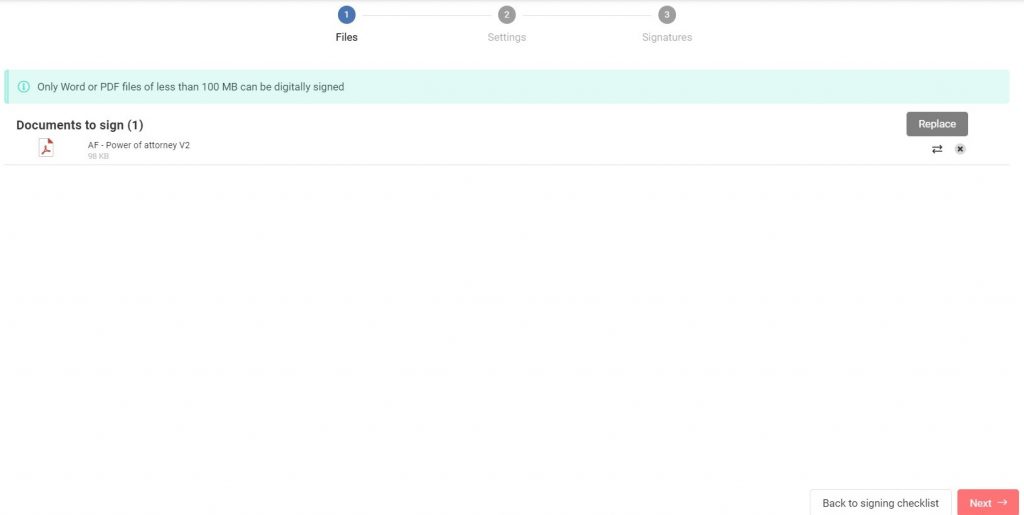
4. Select a document to replace, then click on Add to my selection
Make sure that the option “Keep signatures tags in new file” is activated (it is ticked by default)
Click on Confirm