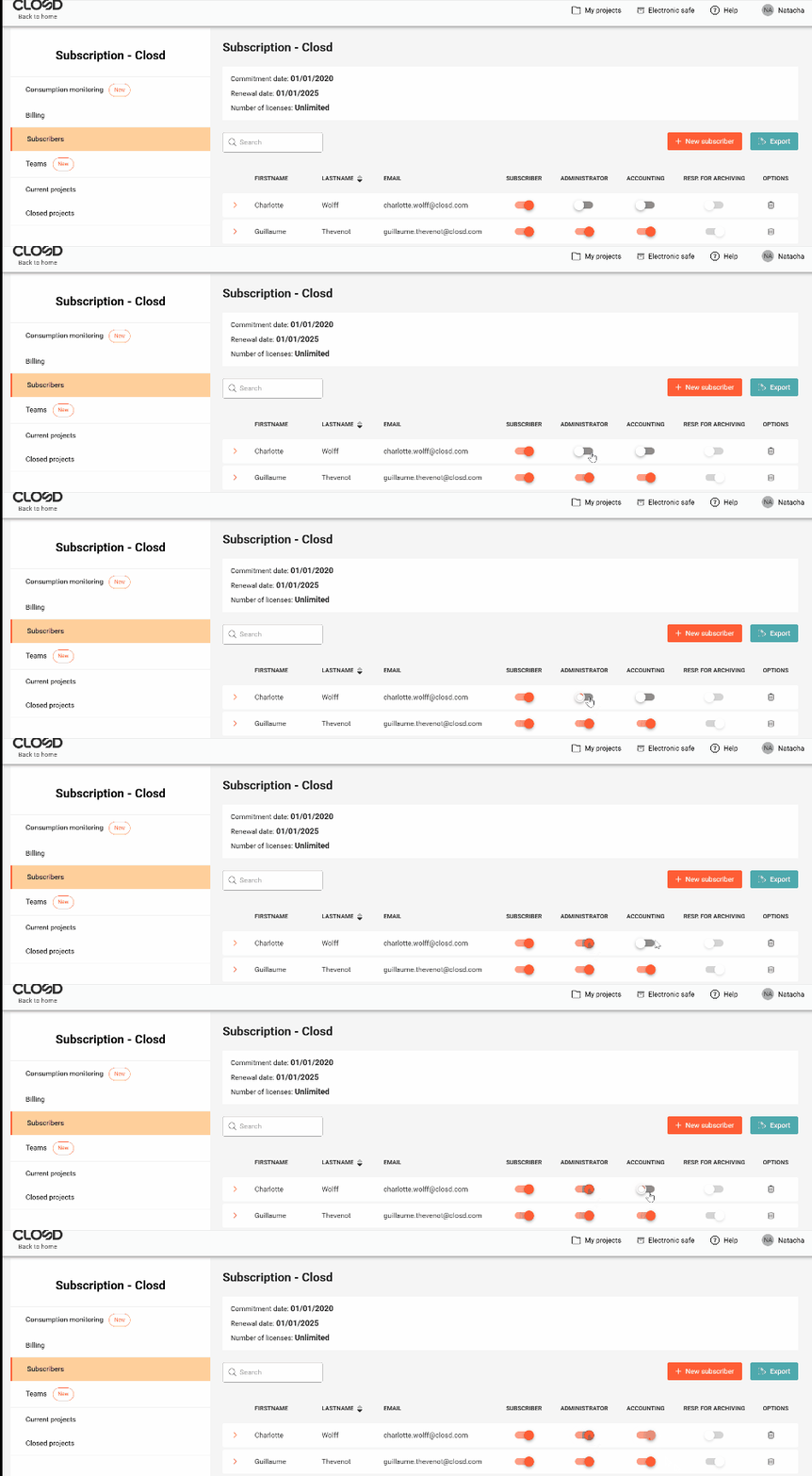
Only an existing Administrator can appoint a Subscriber as an Administrator for the subscription.
When creating the Subscription, one or more Administrators are designated. This status is assigned to them upon creation of their account by Closd. This status can be withdrawn from them subsequently.
To designate a new Subscriber as Administrator, go to the Subscribers page in the Subscription area and click on the “Subscription administrator” button of the Subscriber’s name that you want to appoint as Administrator. The new Administrator will have the same rights as the Administrator that appointed them.