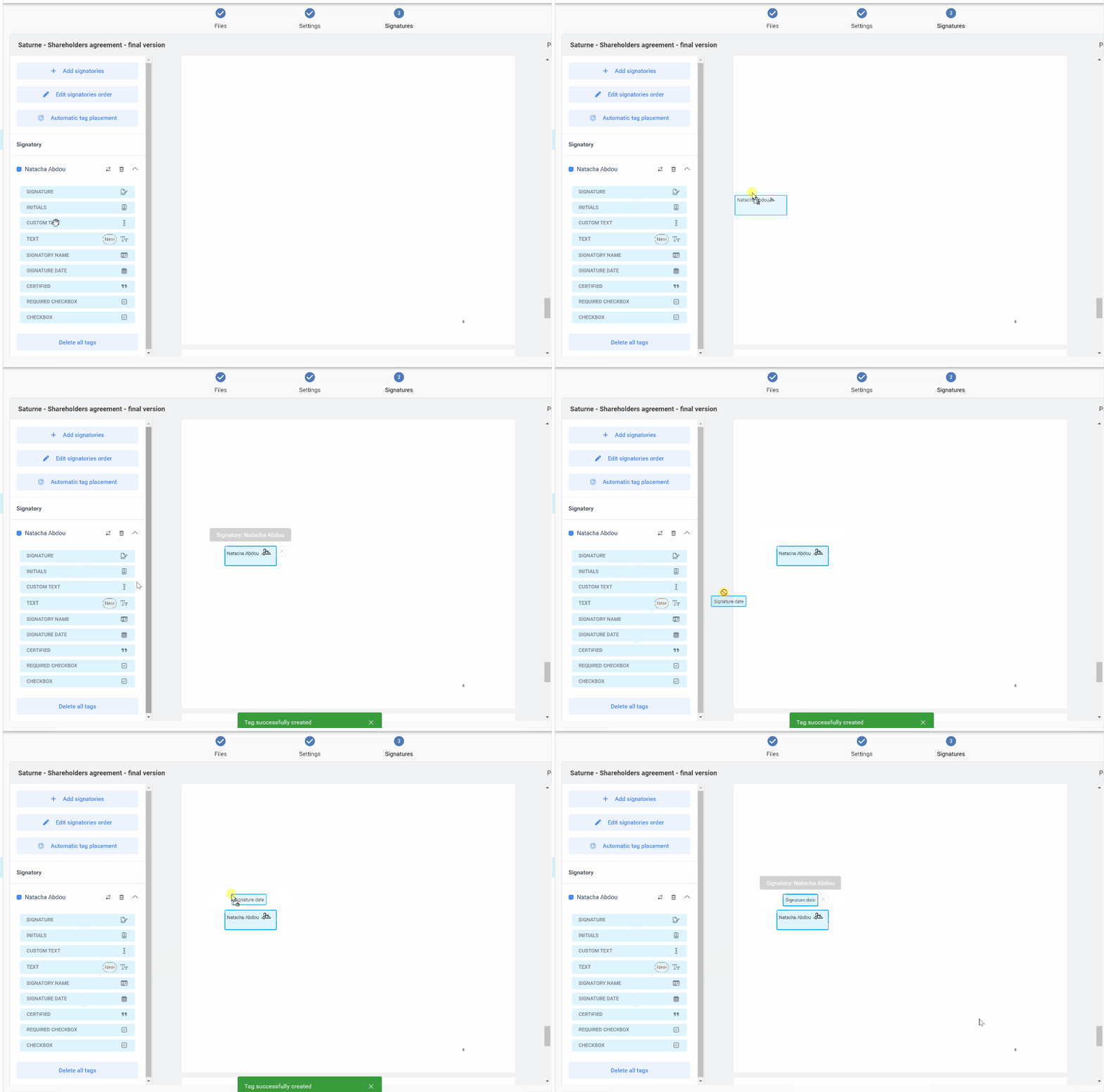
How to place a signature tag on a document?
To place one or more signature tags on a document, simply click on the tag and drag it to the desired location on the document.
You can also use the “automatic tag placement” feature to do this.
Is it necessary to initial every page of a document? How do you initial a document?
No, it is not necessary to initial every page. Electronic signature technologies play the same role as a notarial binding (thanks to the document’s digital “fingerprint”). Therefore, any modification of an electronically signed document subsequent to its signature is automatically detected by the PDF reader in which it is opened. A message then warns the user that the electronic signatures on the document are no longer valid.
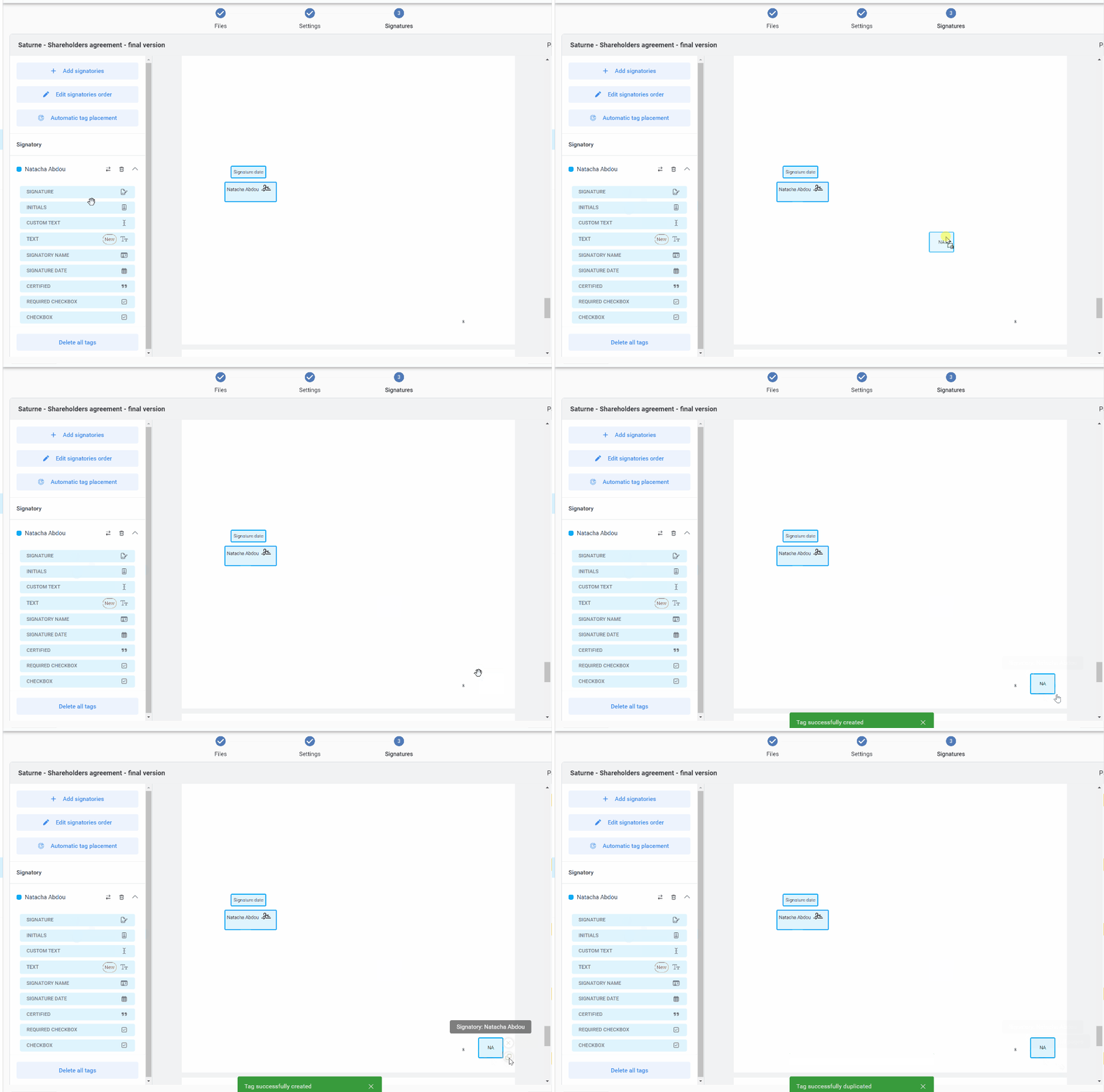
However, you can have a document initialed by placing the “Initials” tag in the desired location(s). Once the tag is placed, pressing the symbol located under the tag on the documents automatically duplicates the initials in the same location on each page of the document.
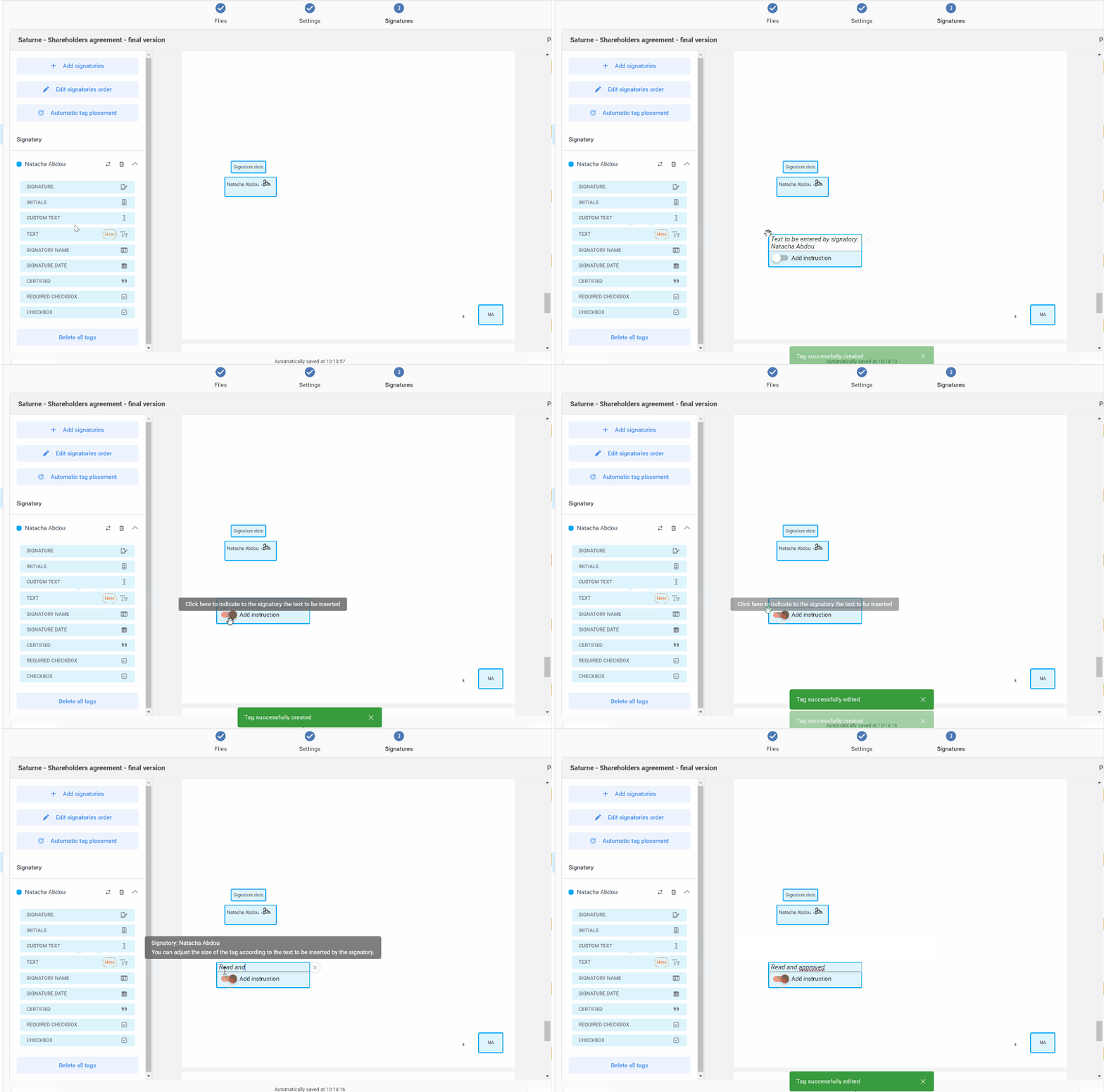
How to indicate to the signatory to insert a text on the document? What is the difference between Text and Custom text?
The custom text tag
Using the “Custom text” tag and selecting “Add instruction”, you can tell the signer what text to insert in a document.
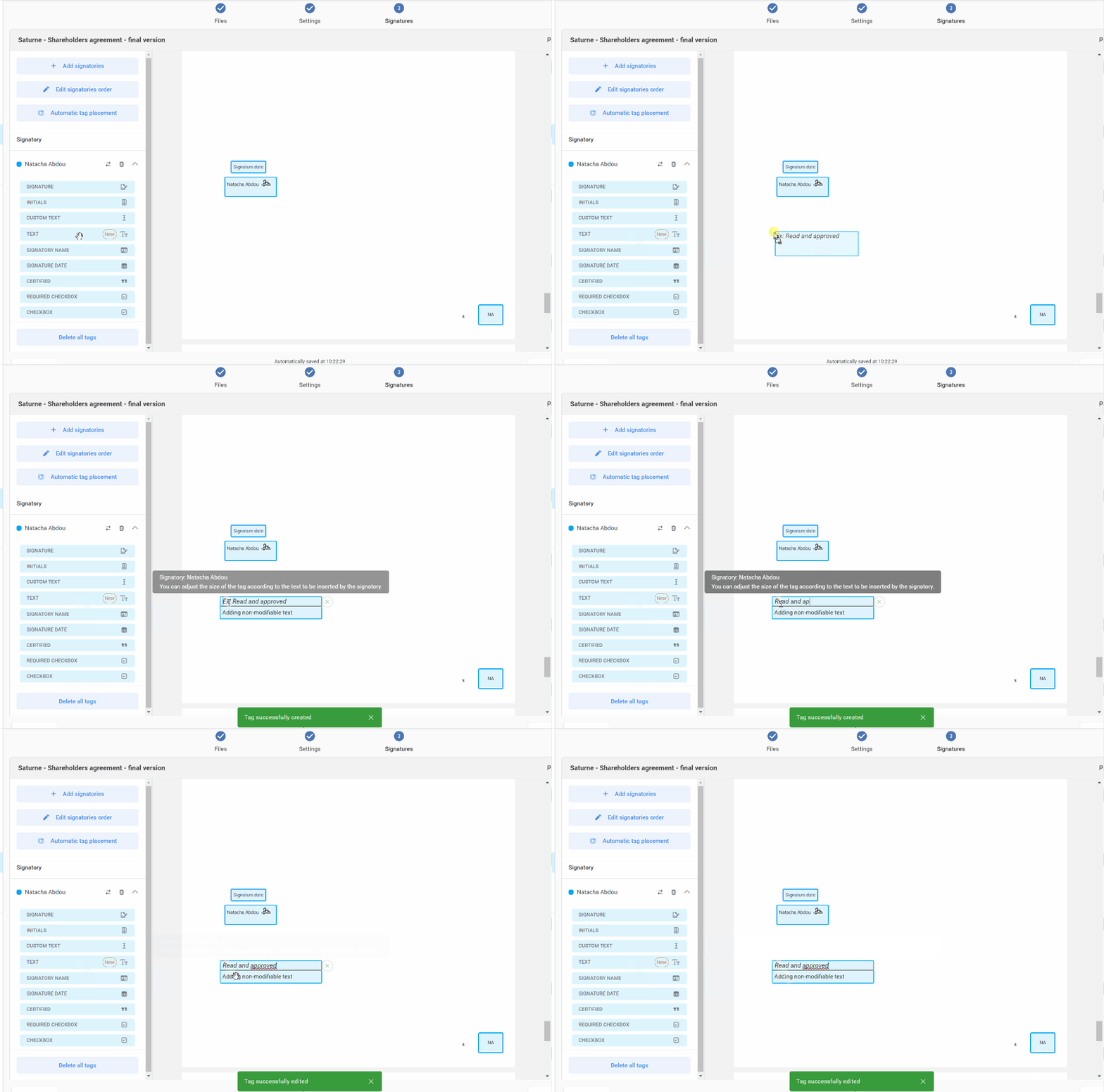
The text tag
Using the “Text” tag and write your text. The signatory won’t be able to modify the text.