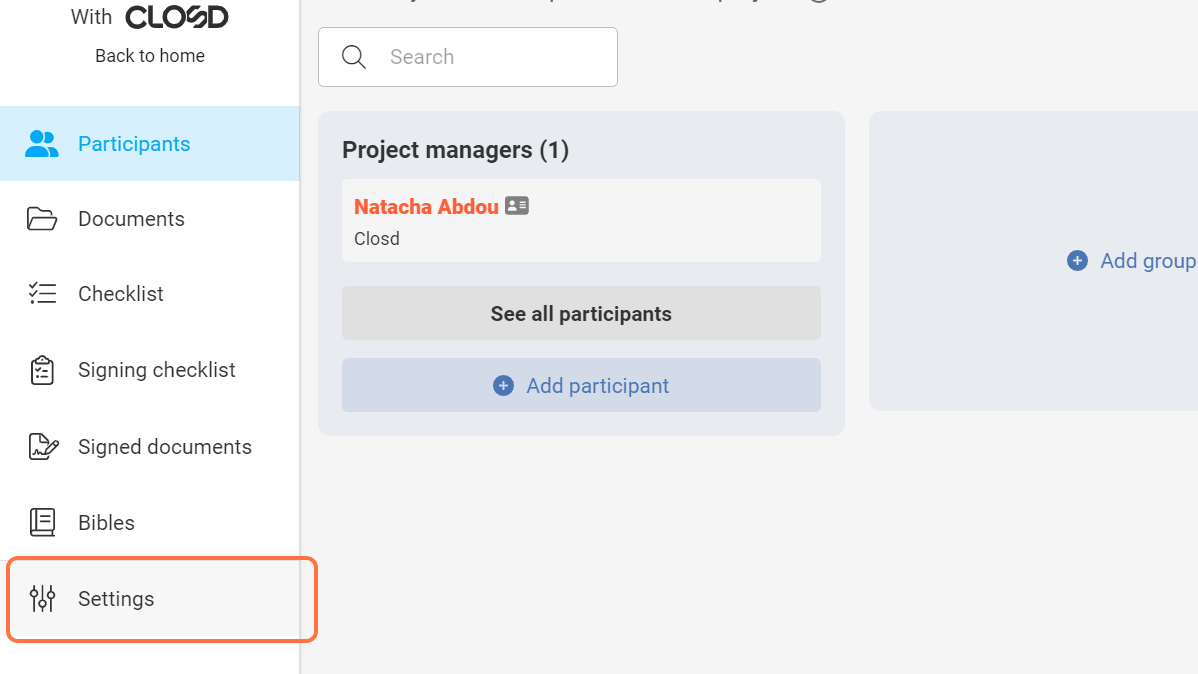
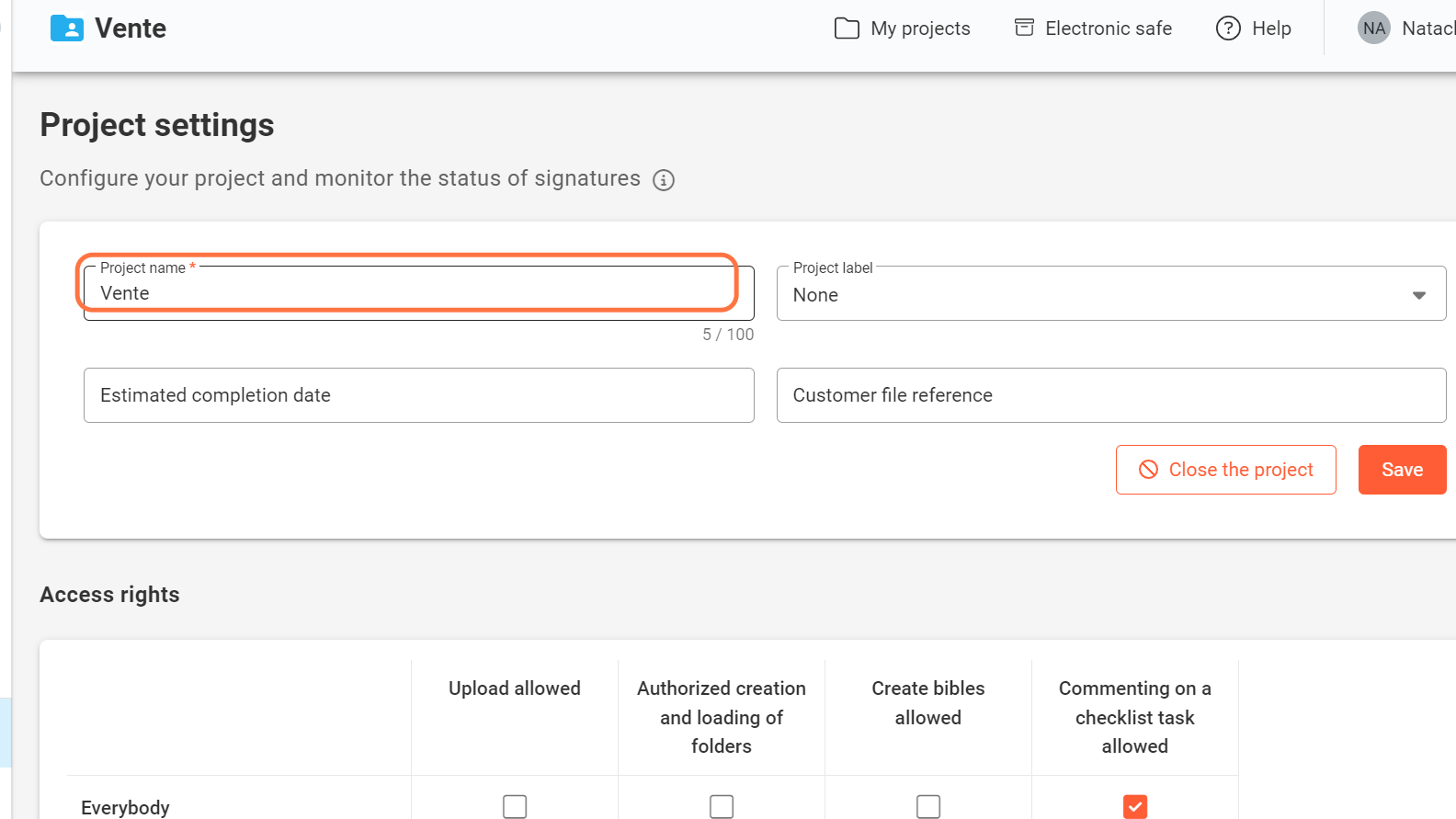
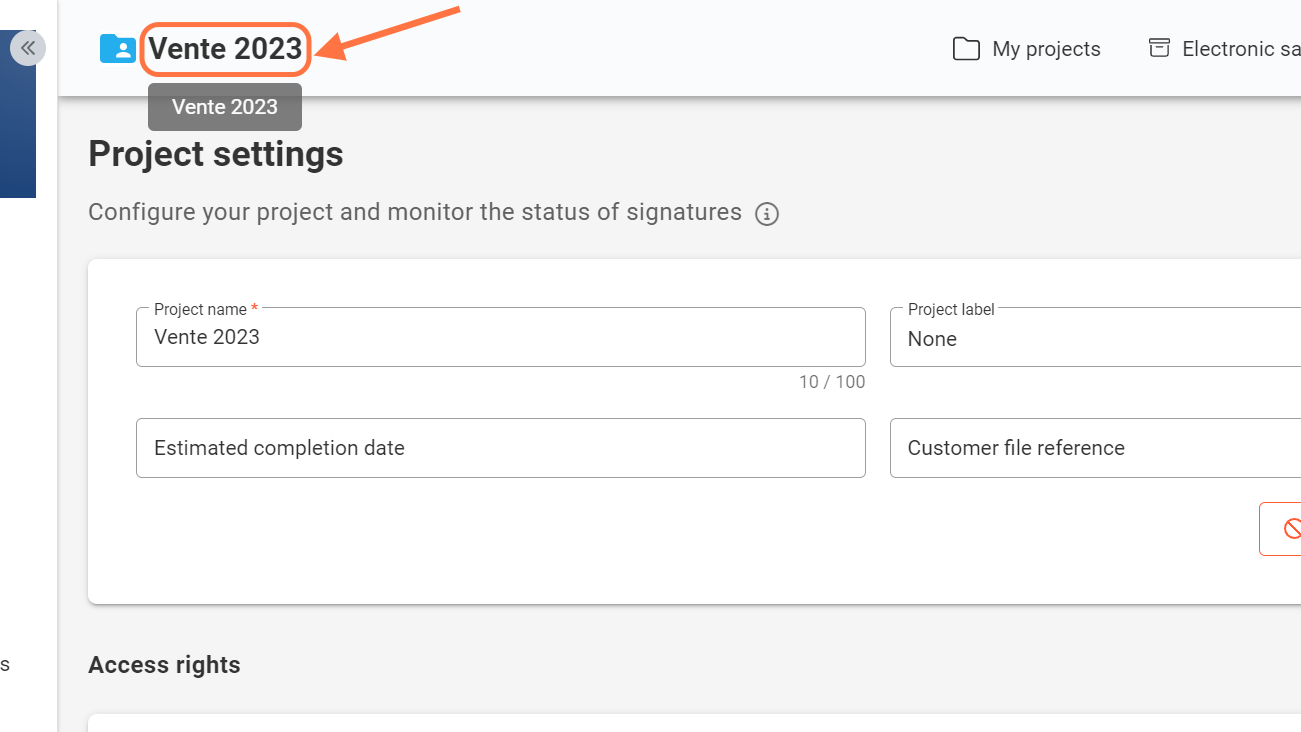
How do I rename a project? Table of Contents 1. Click on Settings 2. Click on Project name3. Click on Save Only Project Managers can access the Settings page to rename the project. 1. Click on Settings 2. Click on Project name 3. Click on Save Clicking on the Save button immediately updates the project name. Was this article helpful? Yes No Related Articles The customer file reference How to delete a project? What is the Settings page for? Need Support?Can't find the answer you're looking for?Contact Support