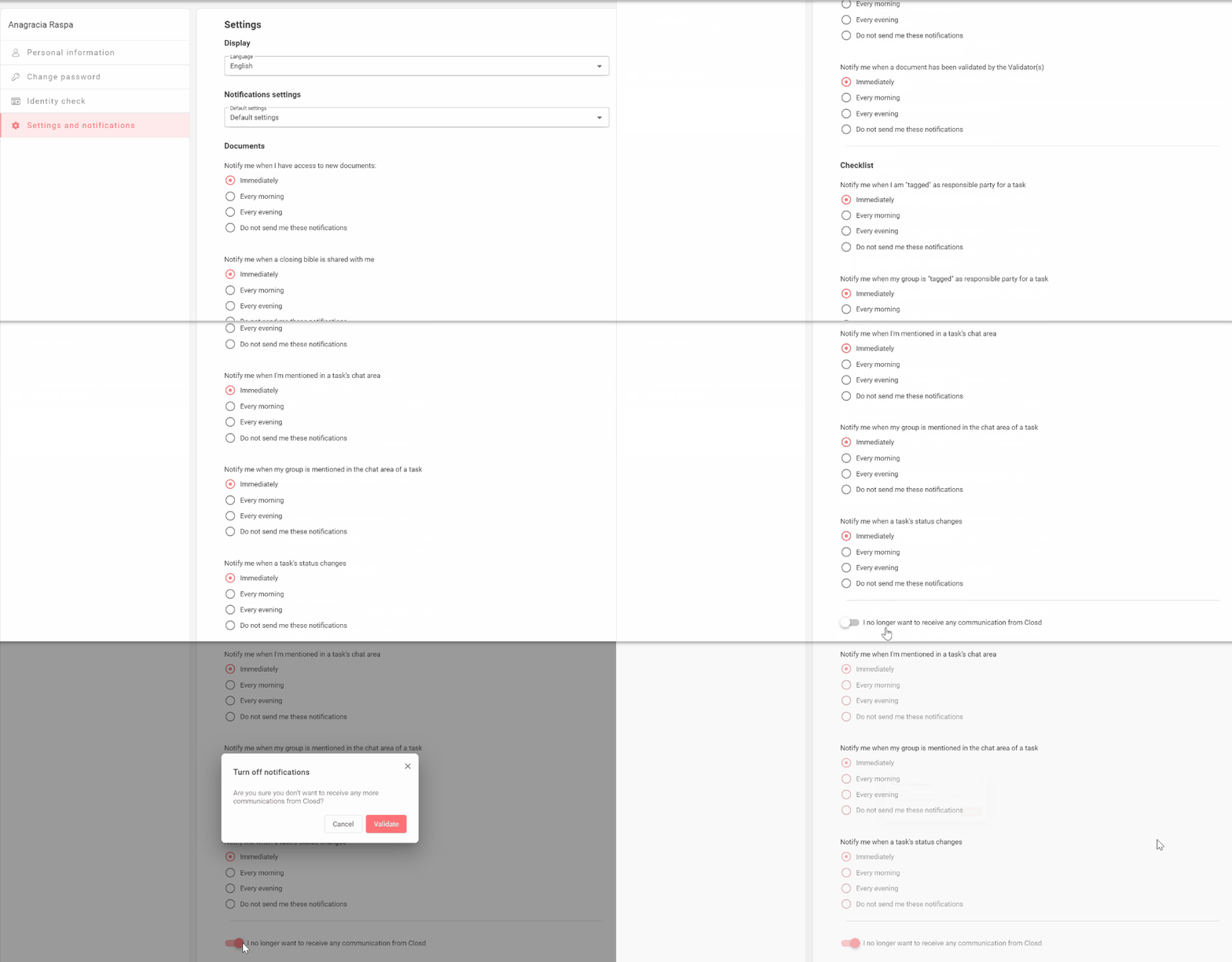
You can manage your notifications on the Settings and Notifications page. You can choose what types of notifications you want to receive and how often.
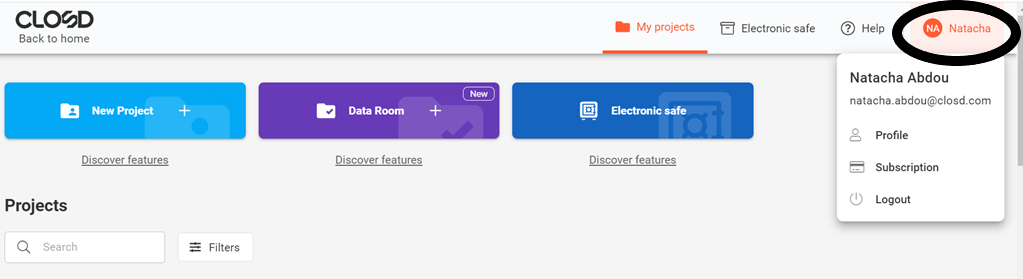
Step 1: Move your mouse over you name at the top right of the interface
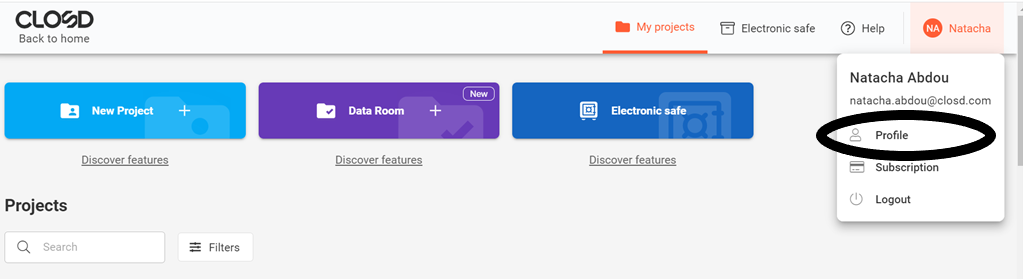
Step 2: Click on Profile
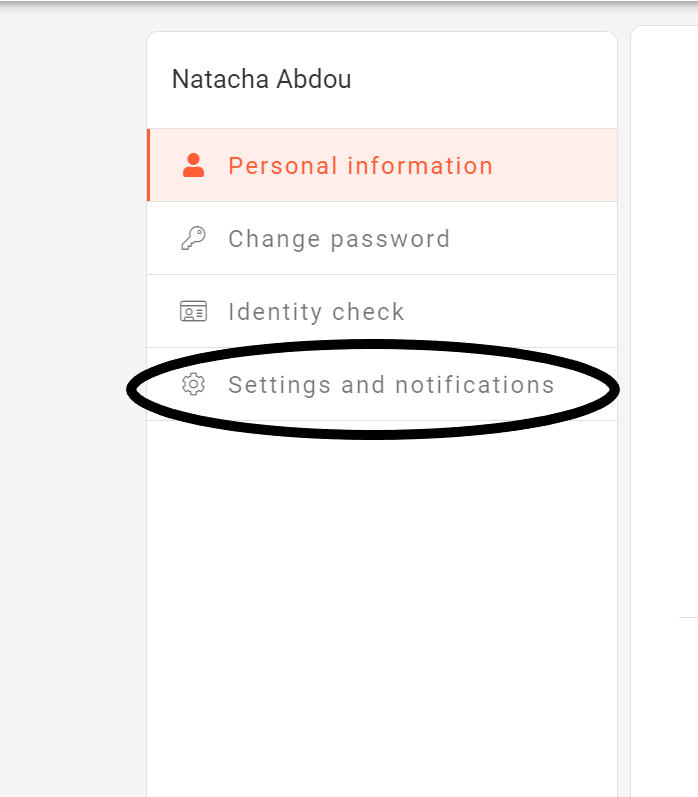
Step 3: Click on Settings and Notifications
- You can customize your Notifications settings, by default (for all your Projects at once) or Project by Project.
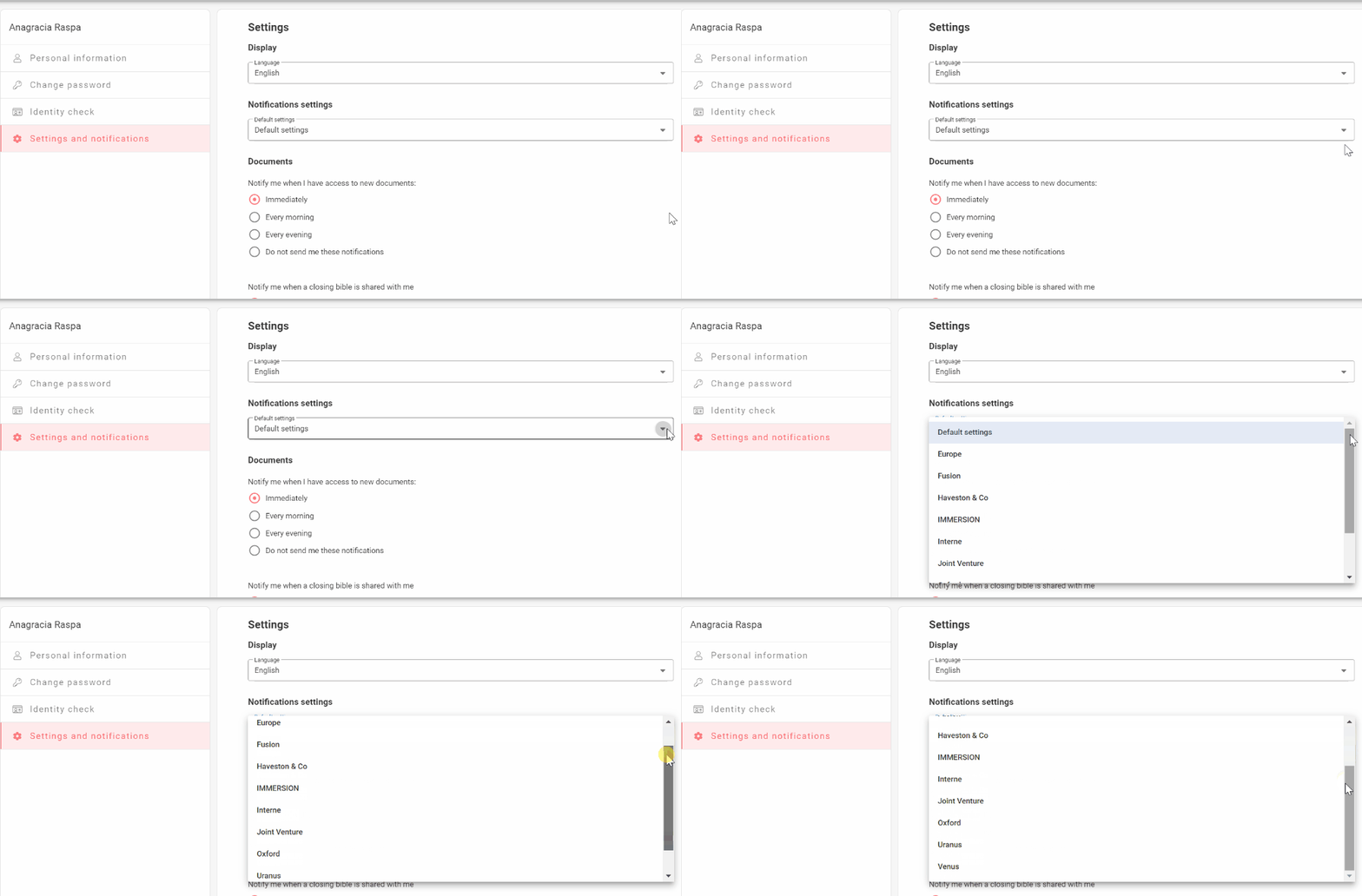
- You can also turn off all notifications from Closd at the bottom of the Settings and Notifications page.