
When you click on the button in the email you receive informing you that you have been designated as responsible for a task, you will be redirected to the Checklist and can easily attach one or more files to the task from there.
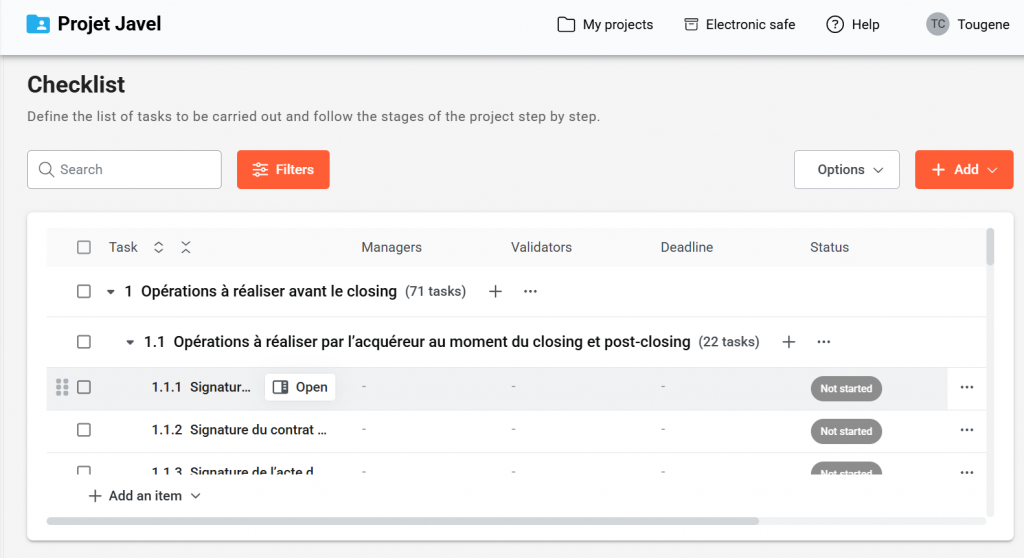
Once on the Checklist, click on the “open” icon for the relevant task:
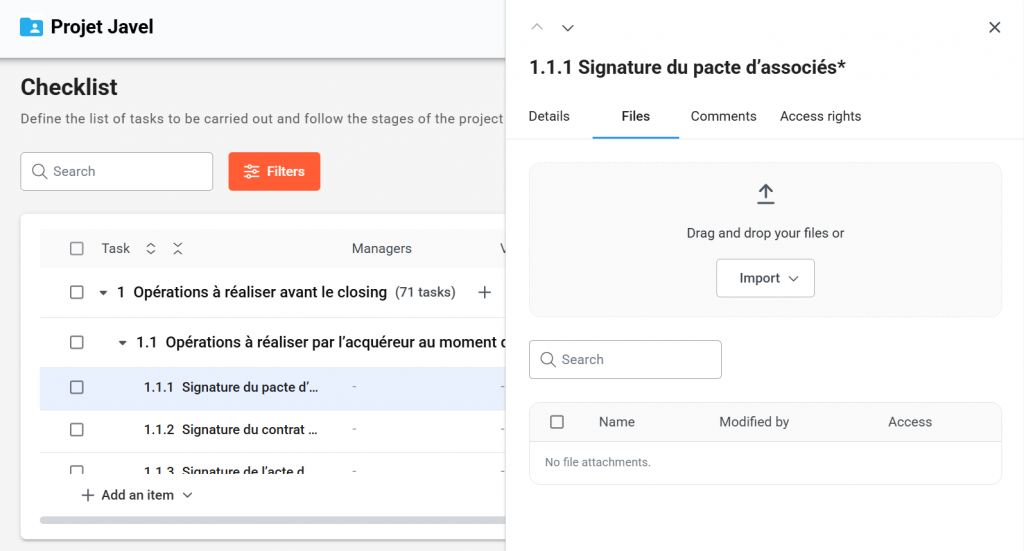
Go to “File”, where you can import or drag and drop the document(s) of your choice :
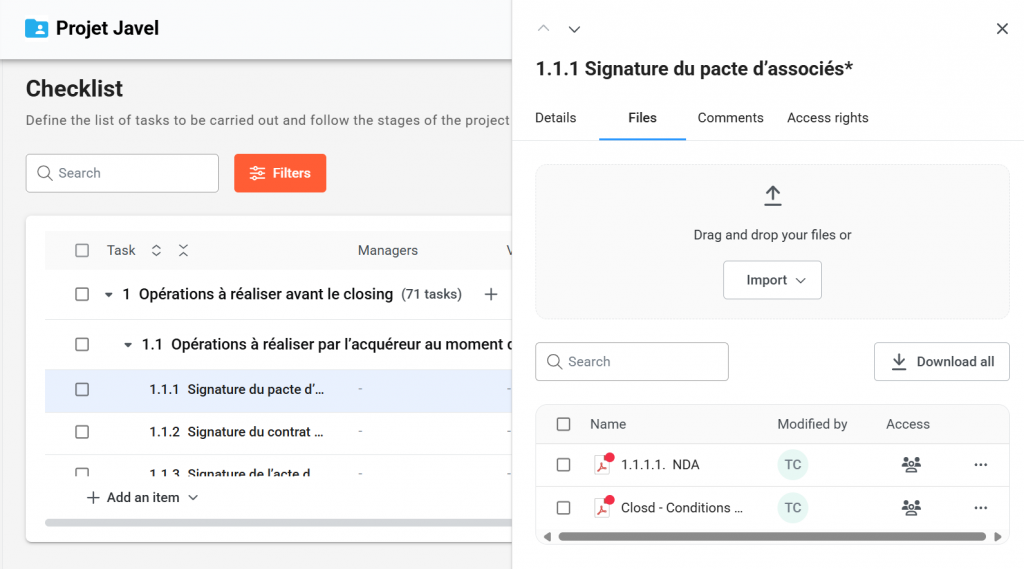
You can view them in the same window:
The Project Managers will be notified that a file was added on the task. Whether the file is subsequently visible or not by other Guests depends on the confidentiality settings set by the Project Managers.