You receive an email notification when new documents are added to a Project.
If you disabled your notifications, any documents added since your last login will be displayed in the following ways:
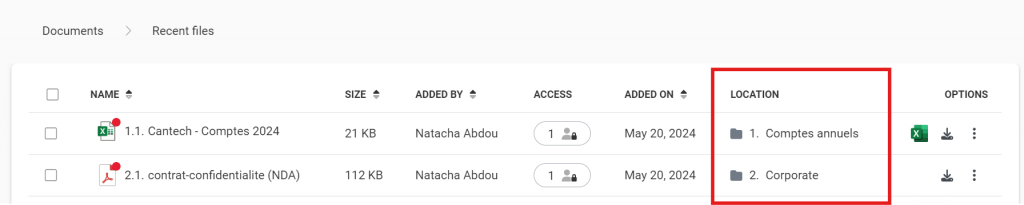
- A red dot appears on the top right corner of new documents;

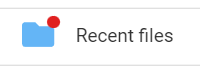
- Newly added documents can also be found in the permanent Recent Files folder at the top of the Documents area
By clicking on the Recent files folder, you can easily identity and access the files’ location.