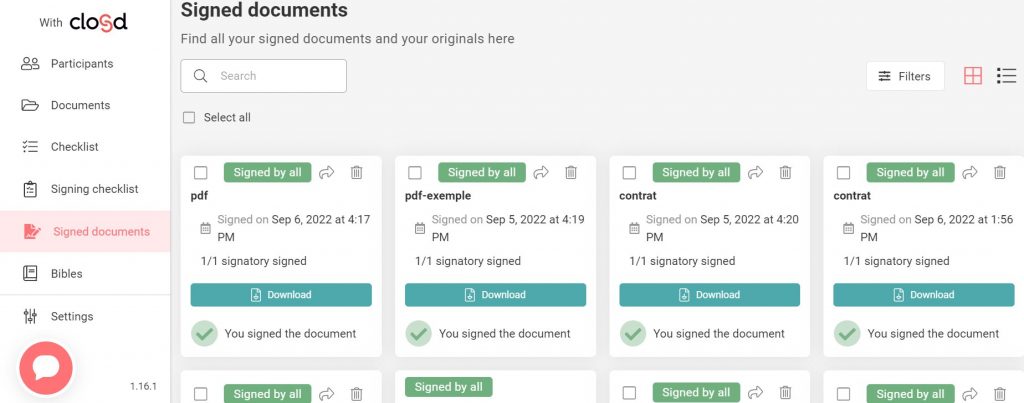
You only have access to the original of a document that you have signed if the Project Managers designated you as a Recipient of that document. If you were not designated as a Recipient, a Project Manager can also share the original with you later.
When a new signed document is available, you are notified via an email containing a link to the signed document. You can also access the document by going to the Project’s My Signatures page.