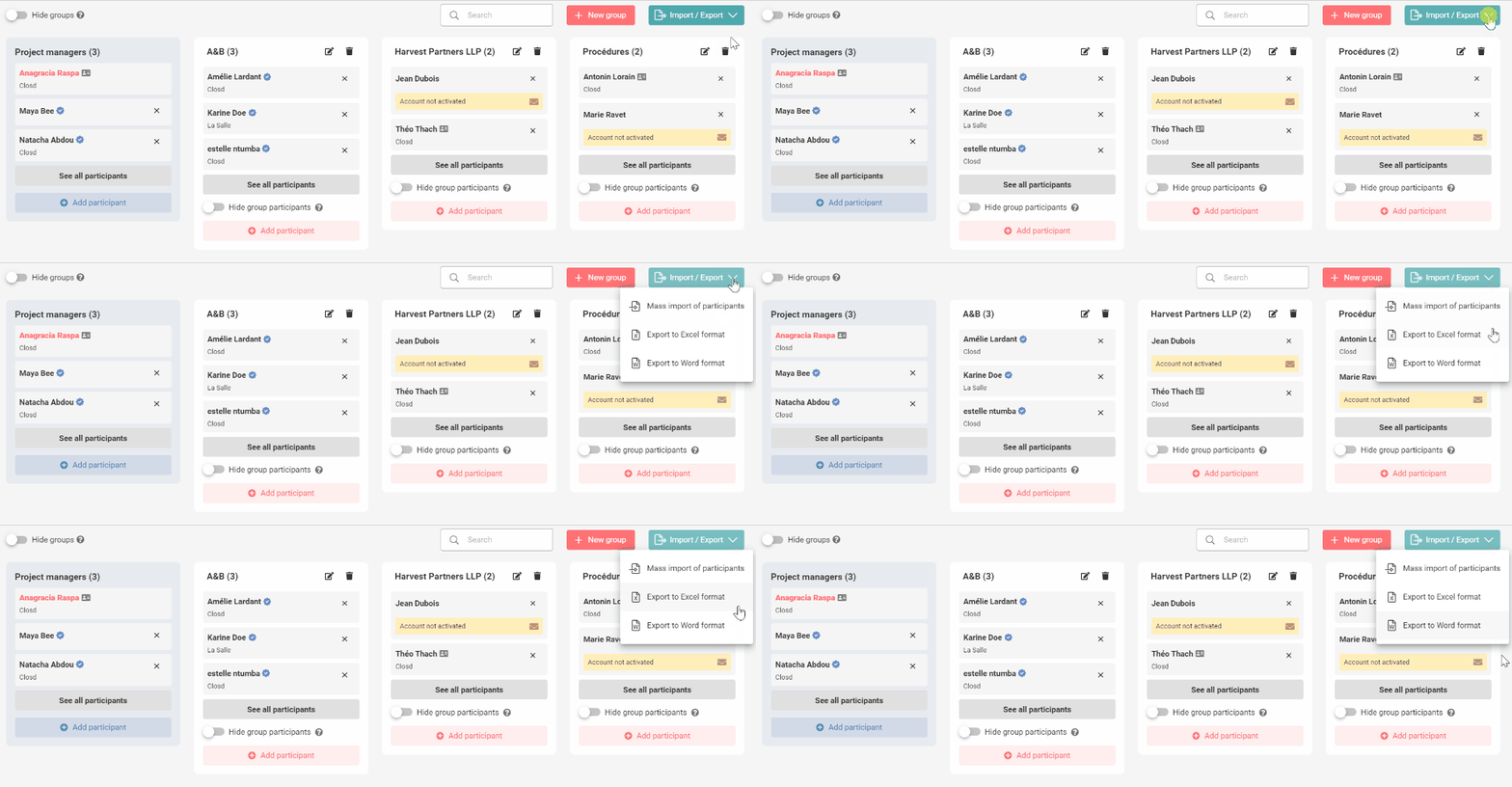
There are two ways to find out whether a Participant has activated their account and verified their ID, and will therefore be able to access the Project and / or sign documents electronically:
- Verify the icons next to the Participant’s name .
- If the mention “account not activated” is displayed, it means that the Participant has not yet activated their account.

- To send them an email with a link to activate their account, click on the envelope icon.
2. Export the Participants list in Excel or Word format by clicking on Import/Export at the top right of the Participants page. This will give you an overview of the Participants on the Project, and will allow you to make sure that they have activated their accounts and / or completed their ID verifications. Exporting the list in Excel will also allow you to re-invite all the Participants on that Project at once to any other Project.