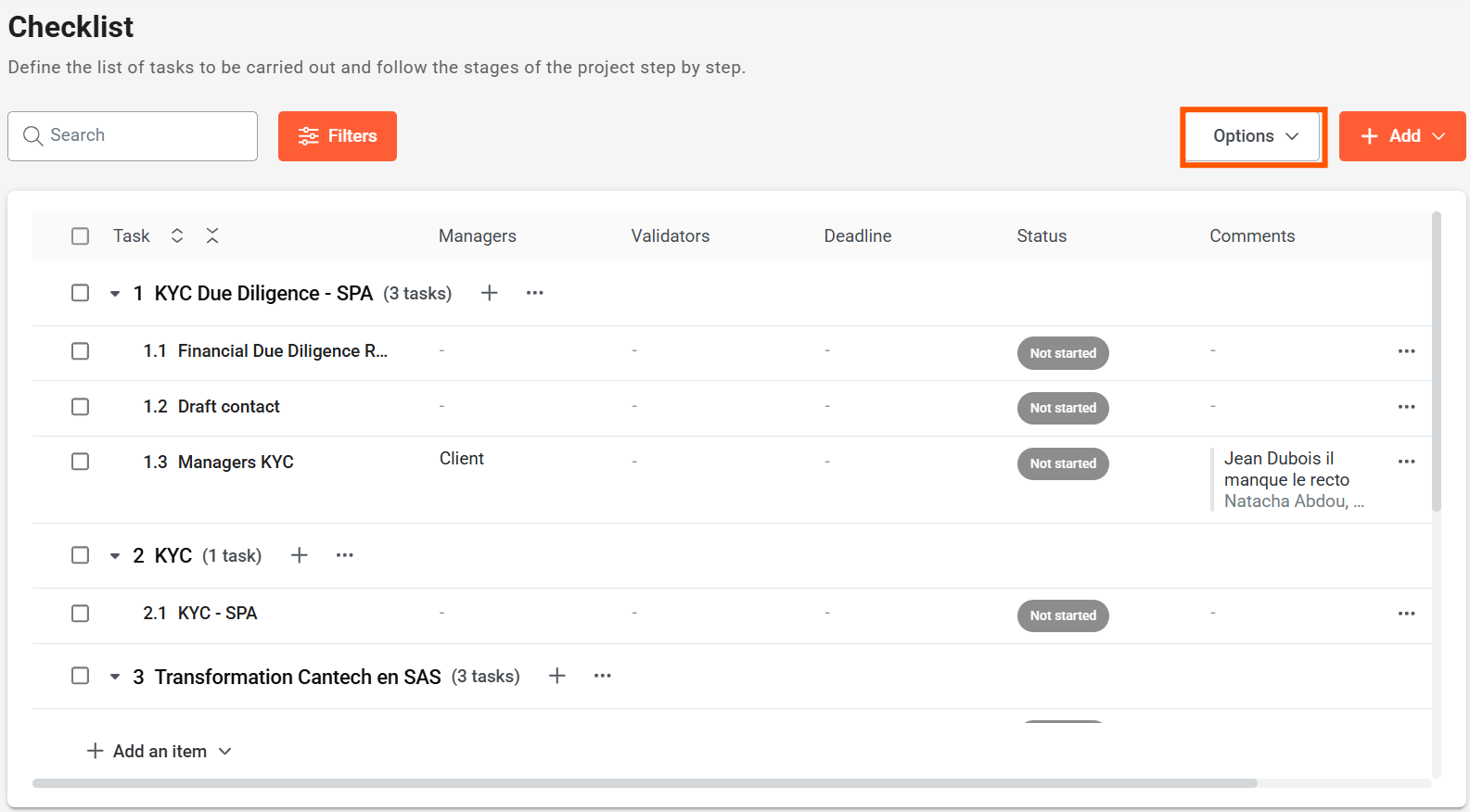
1. Click on Options
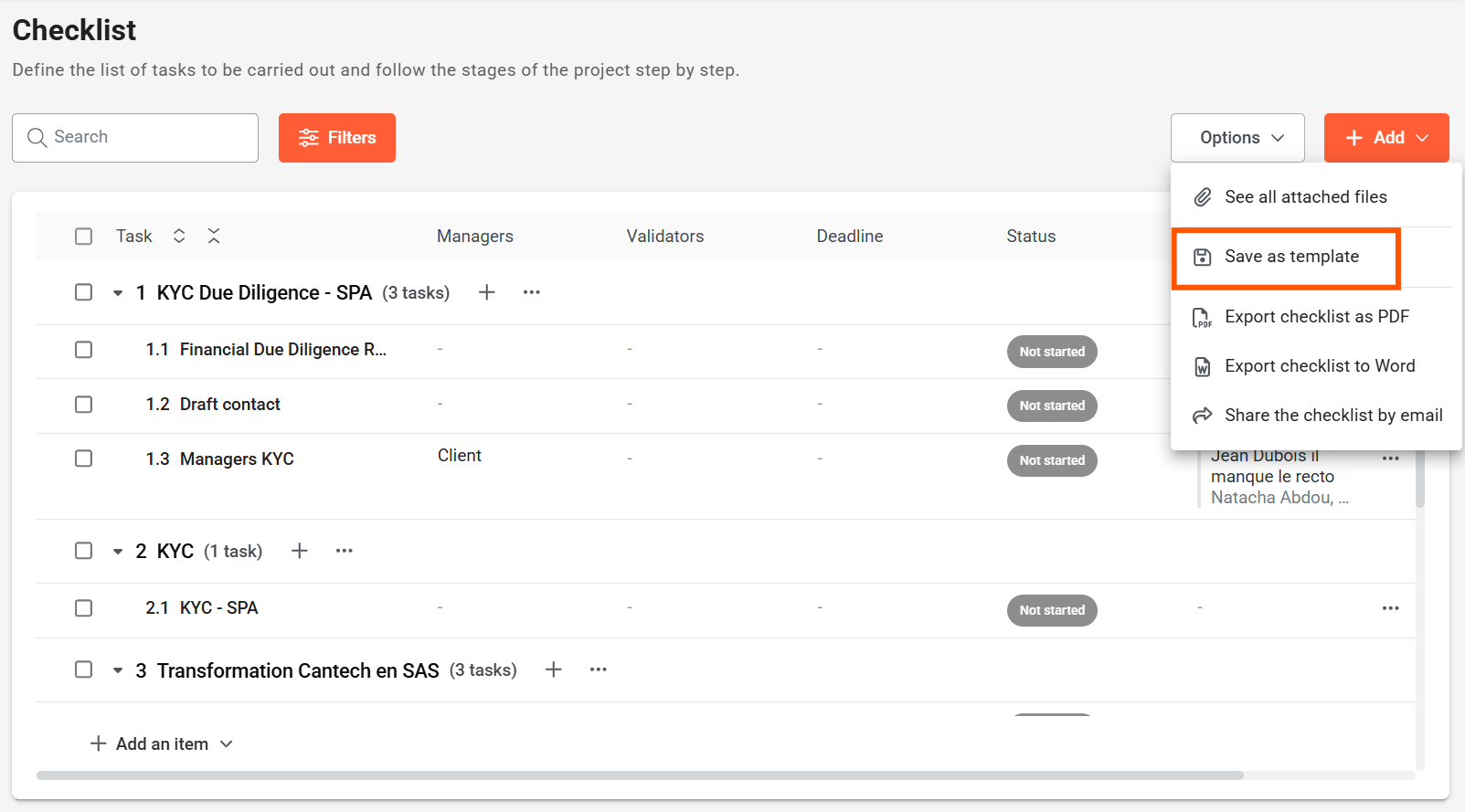
2. Click on Save as template
3. Click on Update a model
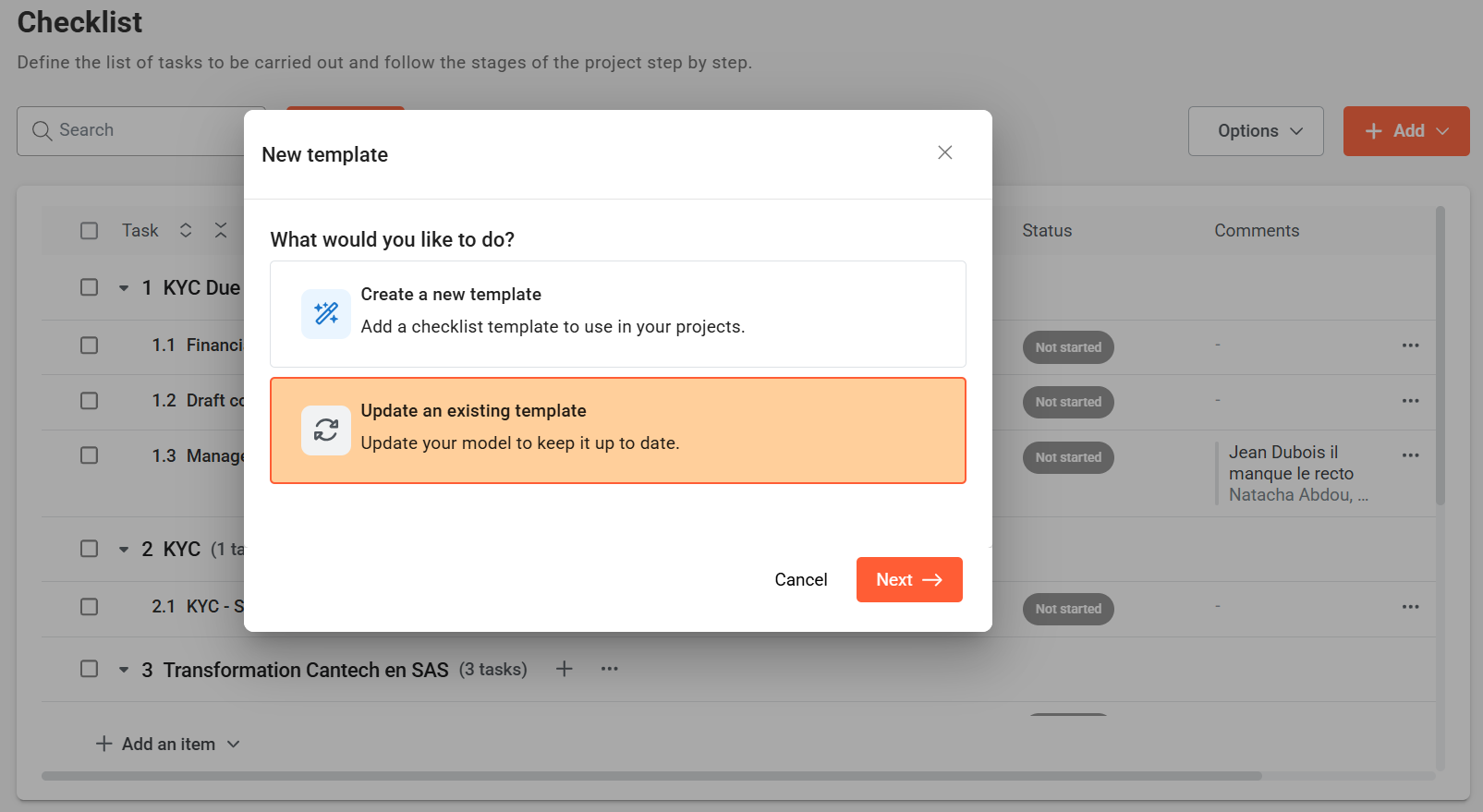
4. Select the model to be edited from the list
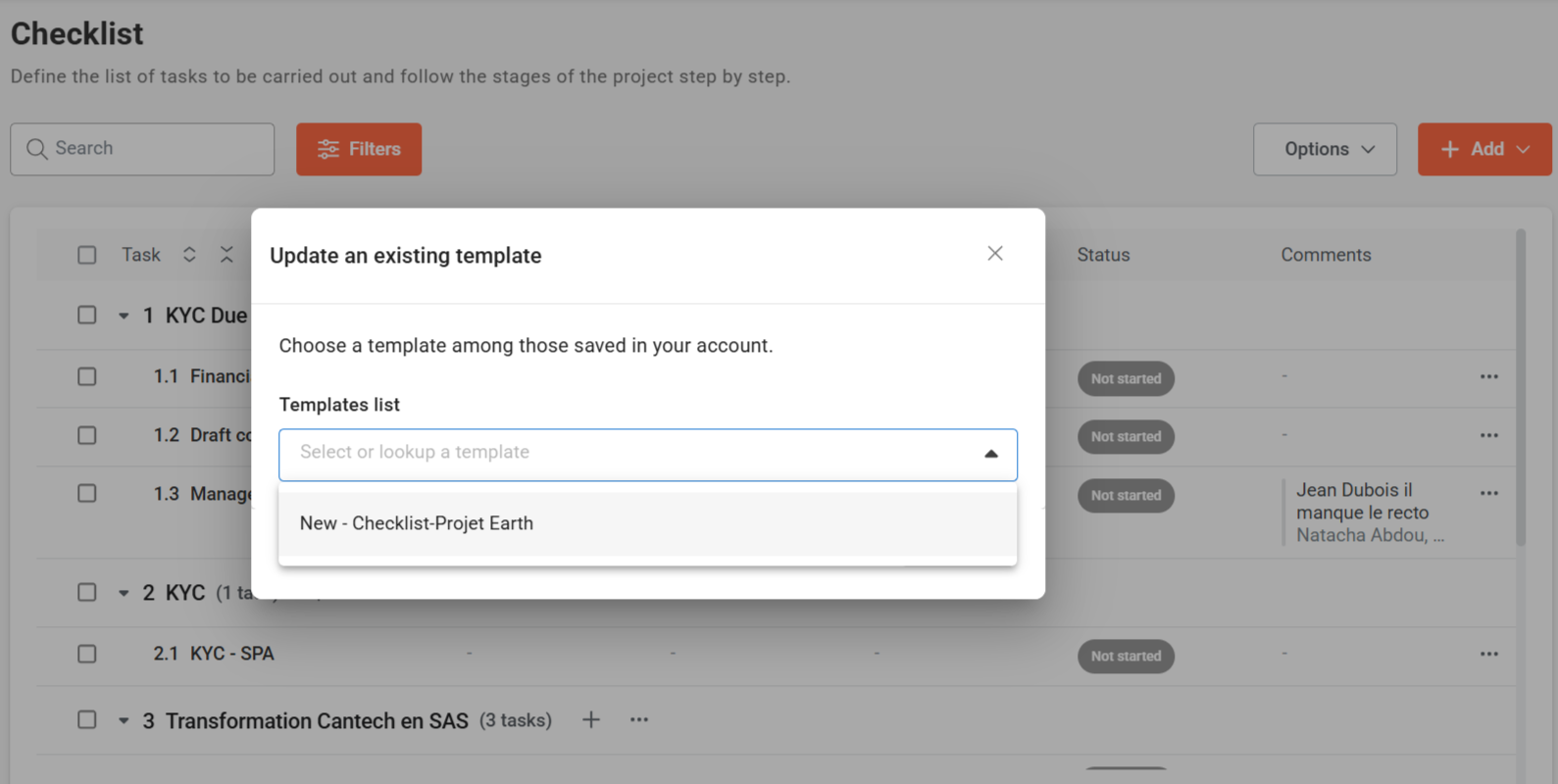
5. Enter a new name for your model (optional)
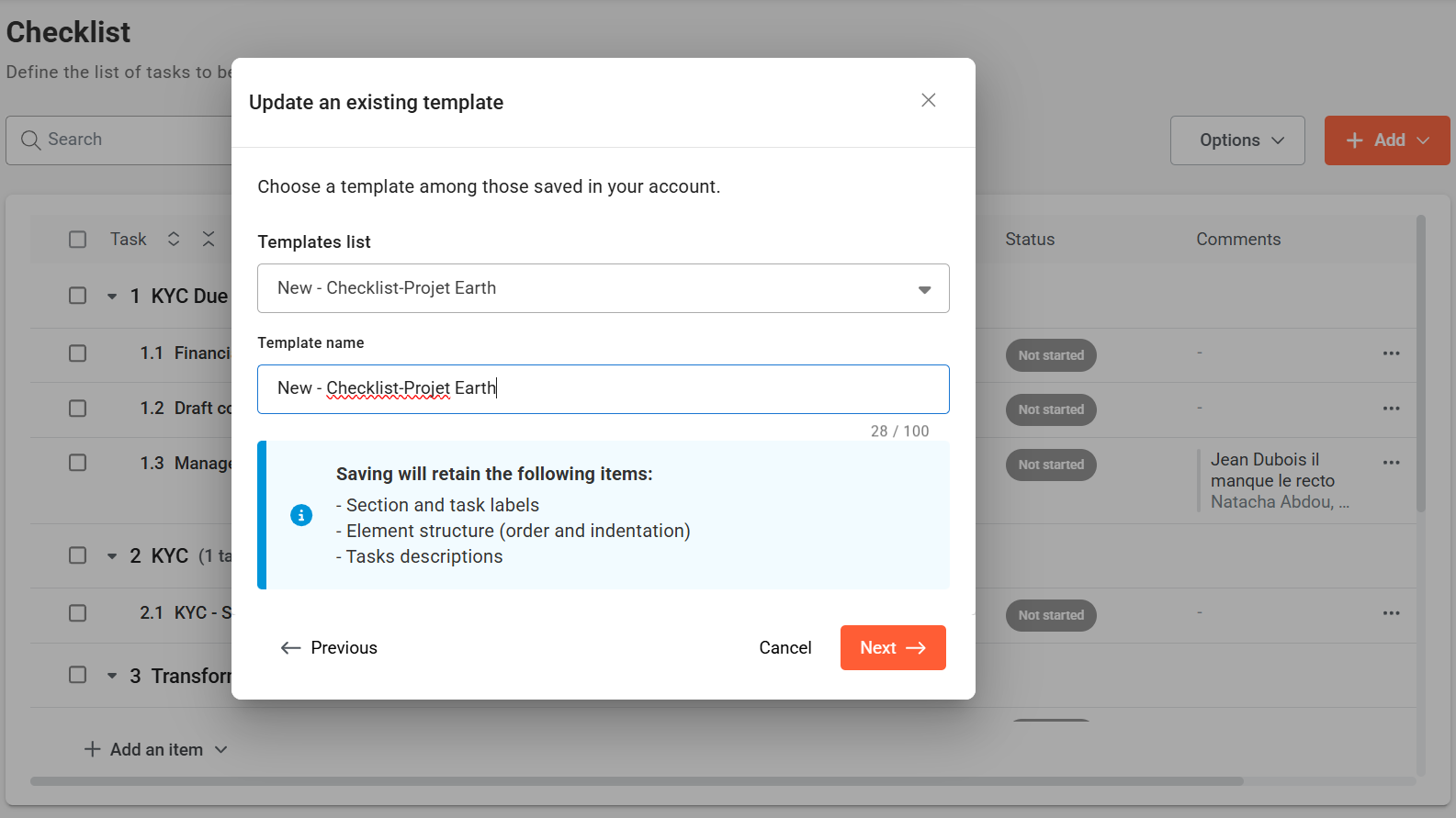
6. Click on Next
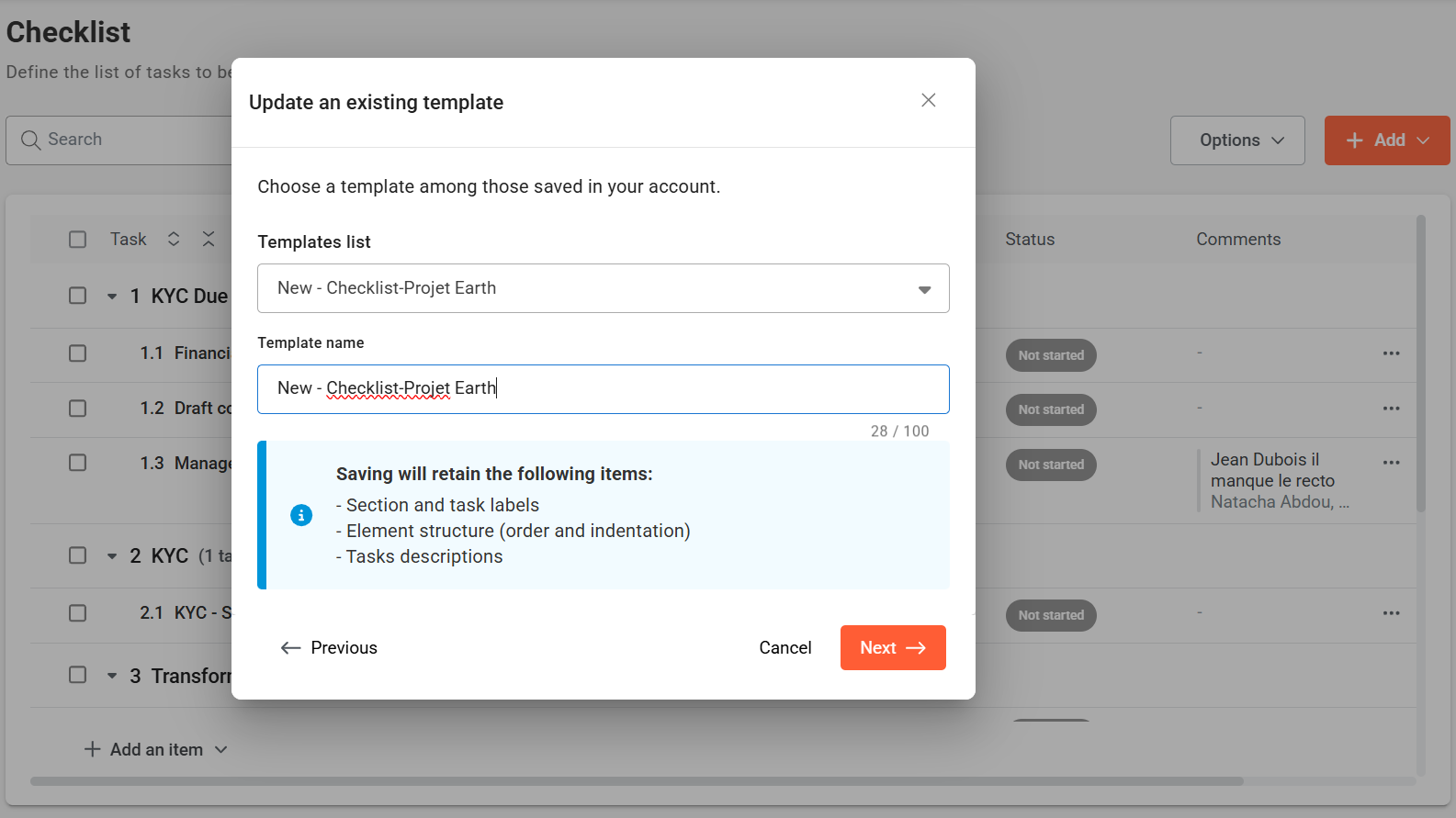
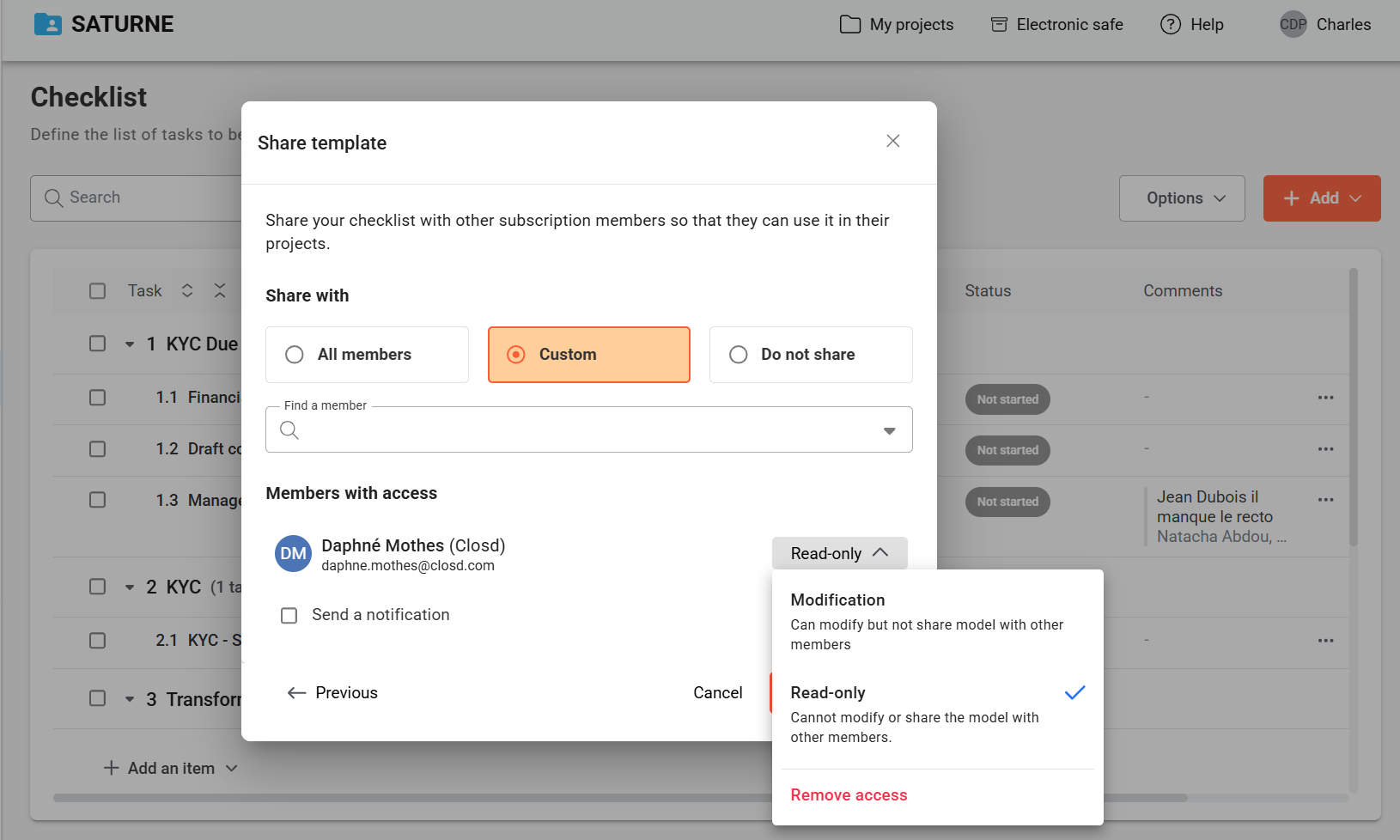
7. Define sharing and modification rights
You can select the members of your subscription who will have access to the checklist.
There are two distinct access rights :
- Modification : the member can modify but cannot share the model with other members
- Read-only : the member cannot modify or share the model