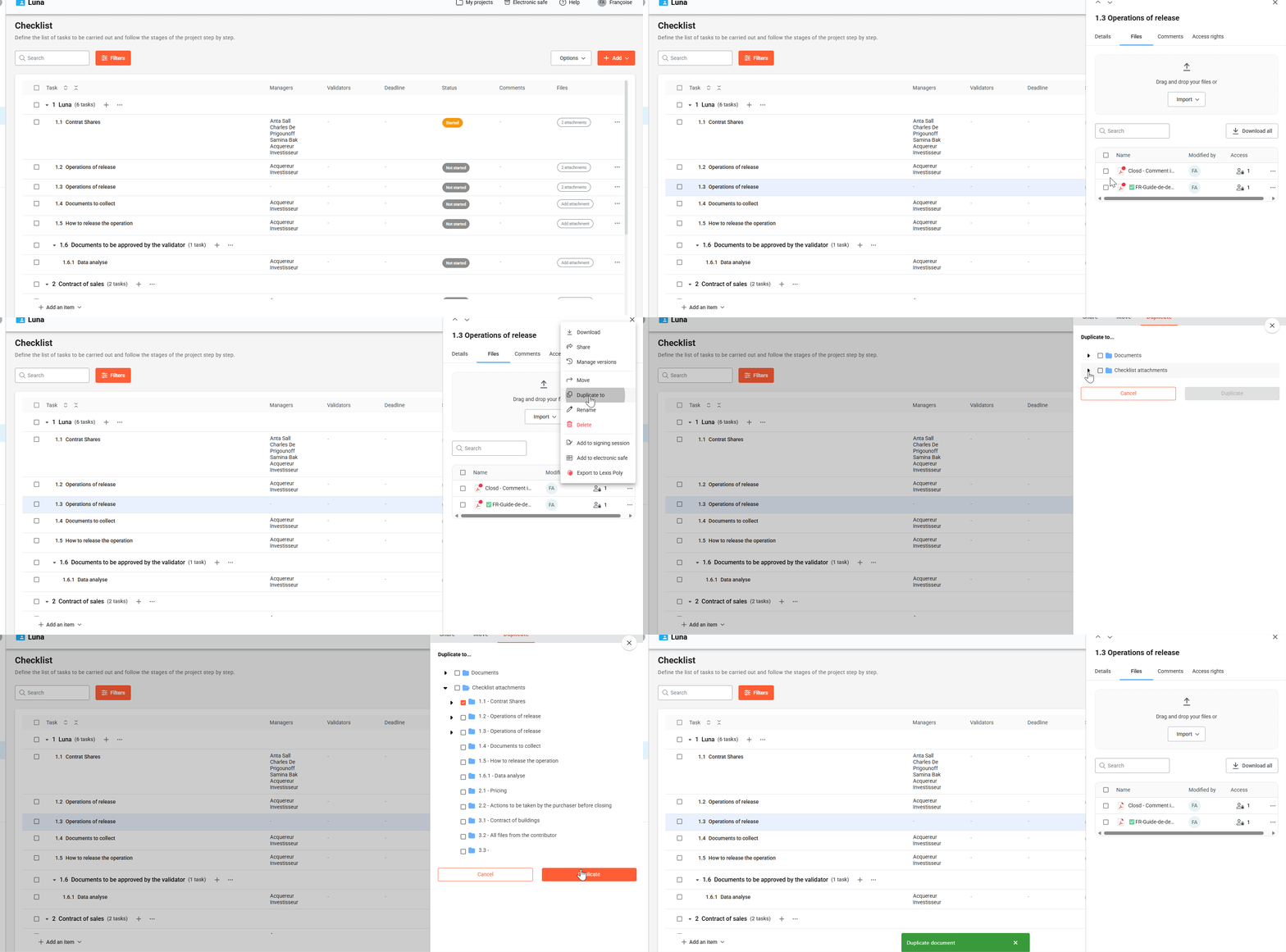
How do I duplicate a file?
- Click on the three dots to the right of the attachment.
- Select the Duplicate to option from the dropdown menu.
- Choose the destination task, then click Duplicate to confirm the action.
Step 1: Click on Attachment
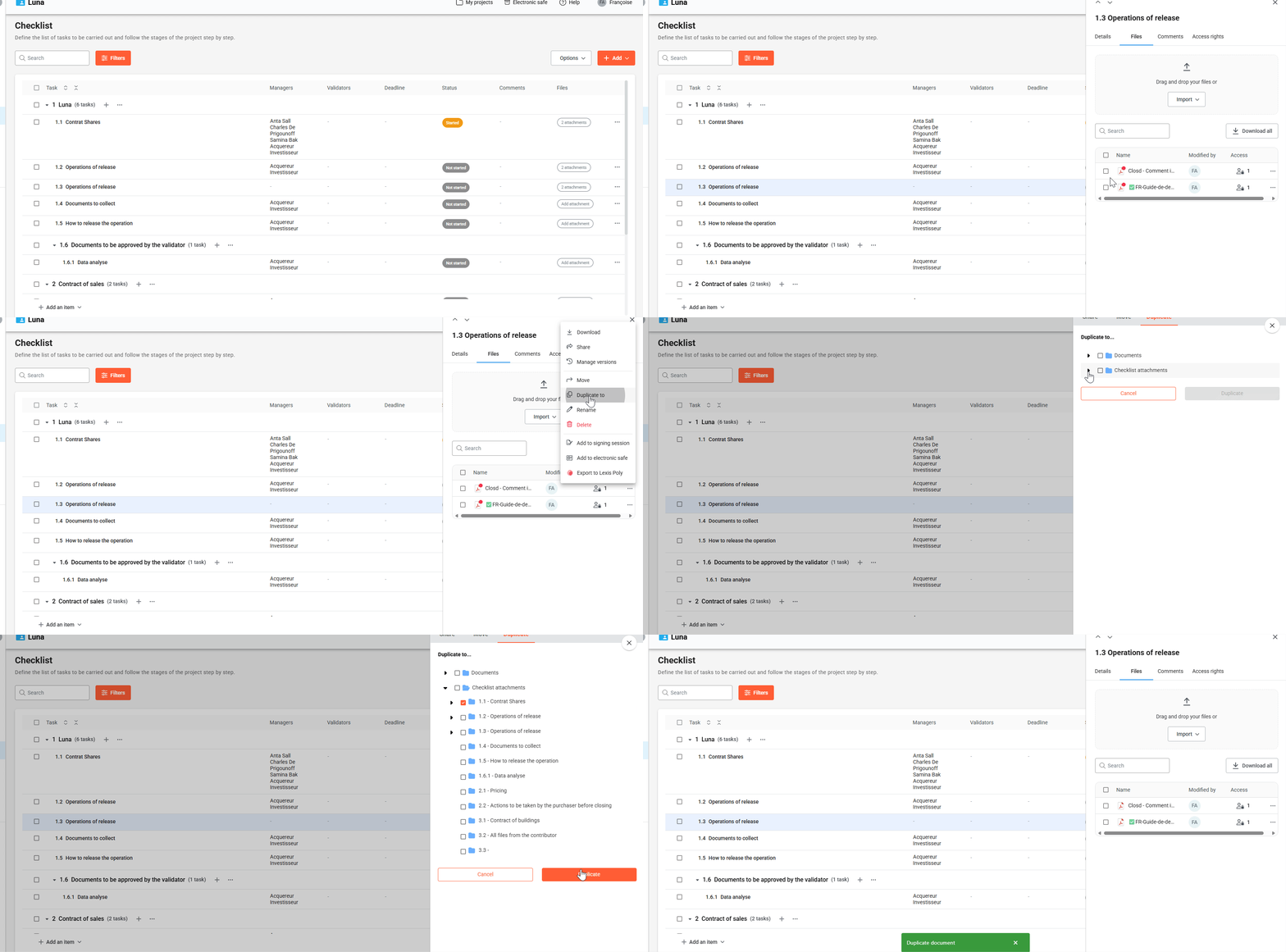
Why duplicate a file?
Use Duplicate to when you want to keep the original file before editing your file with Microsoft Office integration.
- Duplicate your file (yo keep the original)
- Edit your file with Microsoft Office integration
- u003cliu003eDupliquer votre fichier (pour conserver l’original) u003c/liu003eu003cliu003eModifier la version dupliquée grâce à l’intégration Microsoft Office (si option activée) u003c/liu003e
How do I move a file?
- Click on Attachments
- Click on the three dots to open the file menu
- Select Move from the menu
- Choose the destination task and click Move to confirm